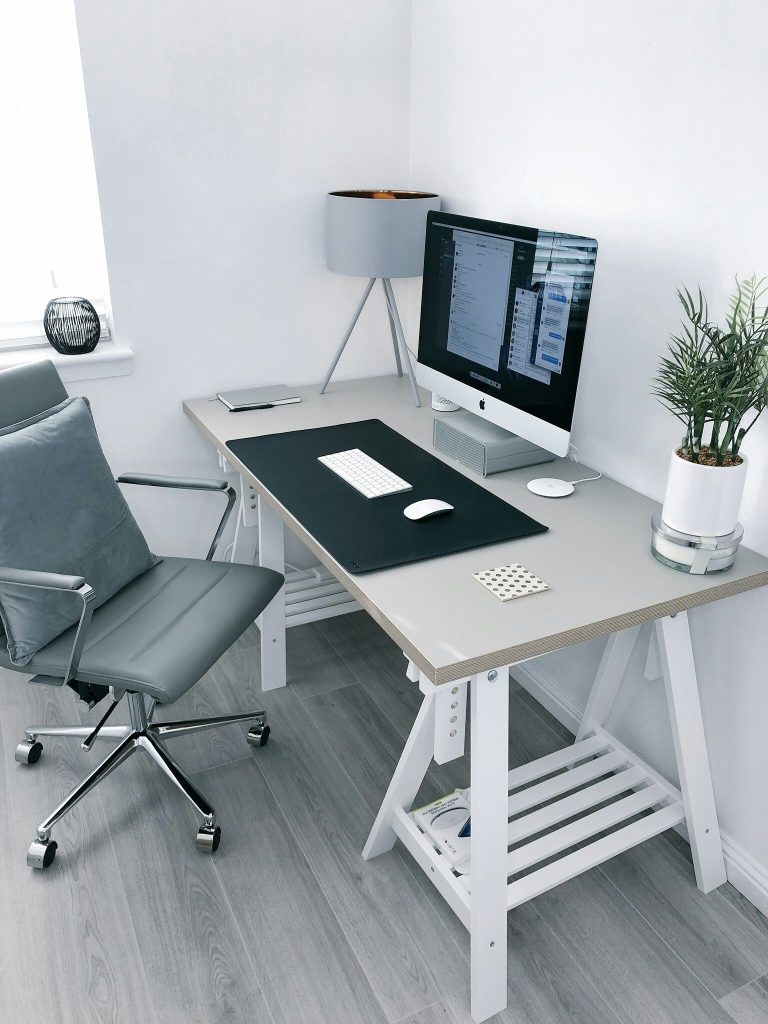
Struggling with lower back pain at your desk? Discover the ultimate ergonomic office setup guide. We review the best chairs, standing converters, and support cushions in the UK to help you work pain-free.
If you sit at a desk for more than six hours a day, you already know the feeling. It starts as a dull ache in your lower back before turning into a sharp, distracting pain that ruins your focus, energy, and evening.
You aren’t alone. Millions of remote workers and office professionals struggle with severe lower back pain. But here is the hard truth: your cheap office chair and flat desk setup are actively compressing your spine. Slouching over a keyboard increases the physical pressure on your spinal discs by up to 40%.
The good news? You don’t have to live with the ache. By swapping out a few key components of your workspace, you can create the best ergonomic office setup for lower back pain to naturally realign your posture and work completely pain-free.
Let’s dive into the exact gear, setup rules, and premium UK products that will save your spine.
Why Your Current Setup is Hurting Your Back
Before buying new gear, it helps to understand why your current workspace is failing you.
When you sit on a standard, unsupportive chair, your lower spine (the lumbar region) flattens. This puts immense, uneven pressure on your lower vertebrae (L3–L5 region) and fatigues the surrounding lower back muscles.
To prevent this, your setup must encourage dynamic sitting and keep your body aligned to the 90-Degree Rule:
Feet: Flat on the floor to distribute weight.
Knees: Bent at a comfortable 90-degree angle.
Elbows: Rested at a 90-degree angle, parallel to your typing surface.
Eyes: Level with the top third of your monitor to stop “neck-slumping”.
Here is the essential gear you need to achieve this perfect, pain-free alignment.
The Core Foundation: Best Ergonomic Chairs for Back Pain
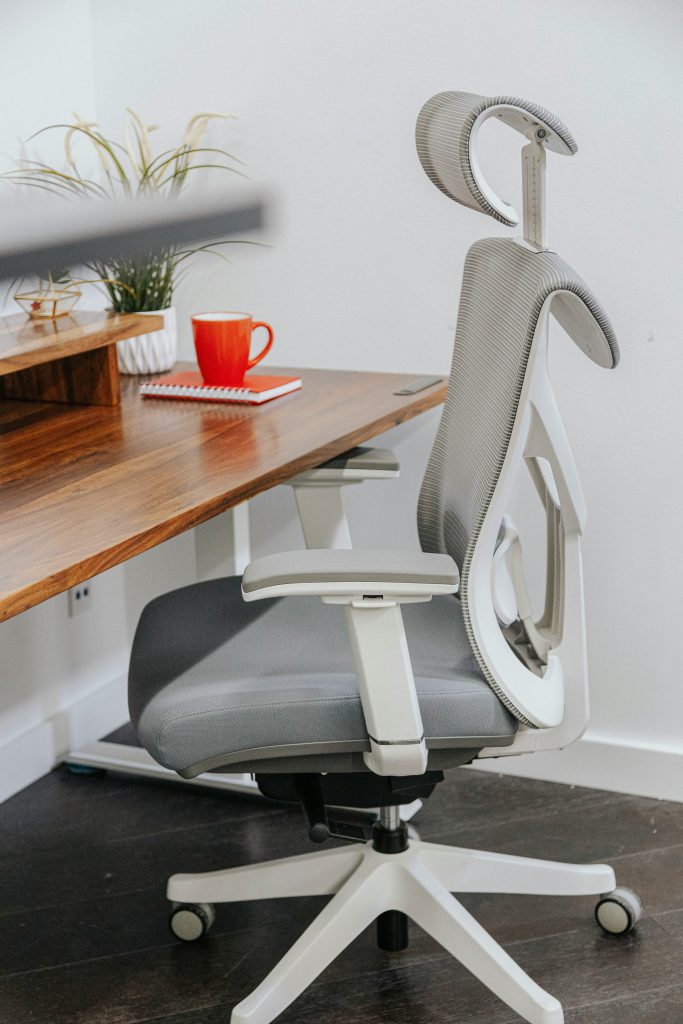
The single most important investment you will make for your spine is a high-quality office chair with adjustable, dynamic lumbar support. A supportive backrest keeps your pelvis in a neutral position so your spine can retain its natural “S” curve.
Premium Pick: Herman Miller Aeron / Logitech G Embody
If you want the absolute gold standard of back support and are willing to invest in your health, Herman Miller chairs are unmatched. The Logitech G Embody features a matrix of pixels that automatically adjust to your micro-movements, distributing your weight perfectly. The Herman Miller Aeron offers targeted PostureFit SL hardware that supports both the sacrum and the lumbar region of the spine.
👉 View Premium Ergonomic Chairs on Amazon UK
The Value Champion: Sihoo Doro C300
You don’t have to spend a thousand pounds to get high-end back relief. The Sihoo Doro C300 is an incredible mid-range chair that punches far above its weight class. It features self-adaptive dynamic lumbar support that automatically moves with your spine as you shift throughout the day. Combined with a comfortable waterfall-edge seat and breathable mesh, it reduces thigh pressure and supports the lower back beautifully.
👉 View Sihoo Doro C300 on Amazon UK
Instant Lower Back Relief: Lumbar Support Cushions (Under £50)
If buying a brand-new ergonomic chair isn’t in your budget right now, a premium lumbar support cushion is the ultimate “quick fix” to turn any standard chair into a posture-correcting powerhouse.
A good lumbar cushion sits in the small of your back, filling the empty space between your spine and the seat to keep you from slouching.
Top Recommendations:
Memory Foam Lumbar Support Cushions: Look for contoured designs made from high-density memory foam. These respond to your body heat to mold precisely to your spine’s natural curve.
Kensington Premium Lumbar Support: Features adjustable straps to attach securely to any office seat, ensuring the cushion never slips down.
👉 View Lumbar Support Cushions on Amazon UK
The Ultimate Fatigue Breaker: Standing Desk Converters
Human bodies are not built to stay in a static, seated position all day—no matter how great your chair is. Dynamic movement is the real secret to curing lower back pain. Alternating between sitting and standing throughout the day increases blood flow, wakes up major muscle groups, and takes the pressure off your lumbar discs.
If you don’t want to buy an entirely new, heavy motorized desk, a standing desk converter sits right on top of your current desk. You can lift your monitors and keyboard up or down in seconds using gas-spring assistance.
Top Recommendations:
Duronic standing desk converters and Ergotron WorkFit series offer rock-solid, dual-tier platforms that easily accommodate heavy screens and keyboards without wobbling when you type.
👉 View Standing Desk Converters on Amazon UK
Quick Daily Routine to Prevent Desk Pain
Even with the best ergonomic office setup for lower back pain, taking active breaks is critical. Try this simple “20-20-20” physical rule:
Every 30–45 minutes, stand up.
Spend 20 seconds stretching your hip flexors and chest.
Take a quick stroll around the room to decompress your spine and get your circulation flowing.
Conclusion: Take Action On Your Posture Today
Lower back pain is your body’s way of telling you that your current workstation setup is slowly causing damage. By investing in proper, dynamic lumbar support, elevating your monitors, and incorporating standing intervals, you can stop the strain before it becomes chronic.
Start by upgrading your seat with a high-performance chair like the Sihoo Doro C300 or adding a high-density lumbar support cushion to your current chair. Your back will thank you!