If you are serious about your desk setup, you already know that Logitech’s “MX” lineup is the gold standard for office productivity. But when it comes down to picking the perfect daily driver, you are faced with a tough choice: the massive, ergonomic powerhouse or the sleek, travel-friendly minimalist?
In this head-to-head battle between the Logitech MX Master 3S vs MX Anywhere 3S, we are breaking down everything from sensor performance to wrist comfort so you can make the right investment for your workflow.
The Core Specs: What Do They Have in Common?
Before we look at the differences, it is important to know that Logitech recently leveled the playing field under the hood. Regardless of which mouse you choose, you are getting premium, top-tier tech:
The 8,000 DPI Sensor: Both mice now feature an incredibly precise 8,000 DPI optical sensor. This allows both models to track flawlessly on almost any surface, including glass.
Quiet Click Technology: Both the Master 3S and the Anywhere 3S utilize Logitech’s “quiet click” switches. This reduces the clicking noise to a soft tap, making them perfect for quiet offices or long flights.
MagSpeed Scroll Wheel: Both models feature the beloved electromagnetic MagSpeed wheel, allowing you to zip through thousands of lines of code or spreadsheets in seconds.
Design & Ergonomics: Desktop King vs. Travel Companion
The biggest difference between these two mice is purely physical.
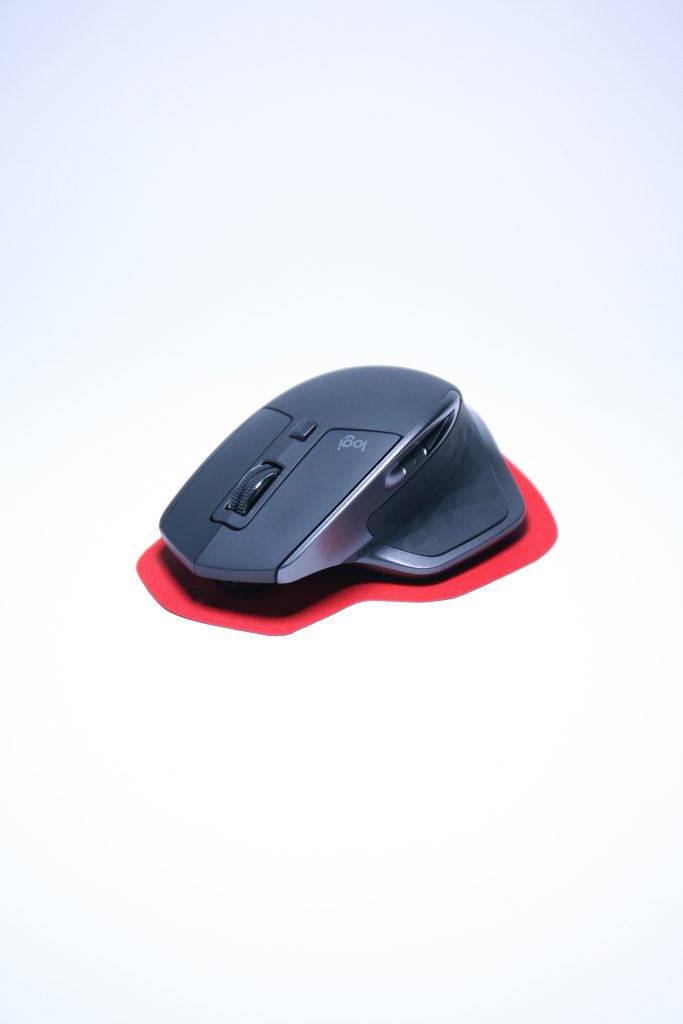
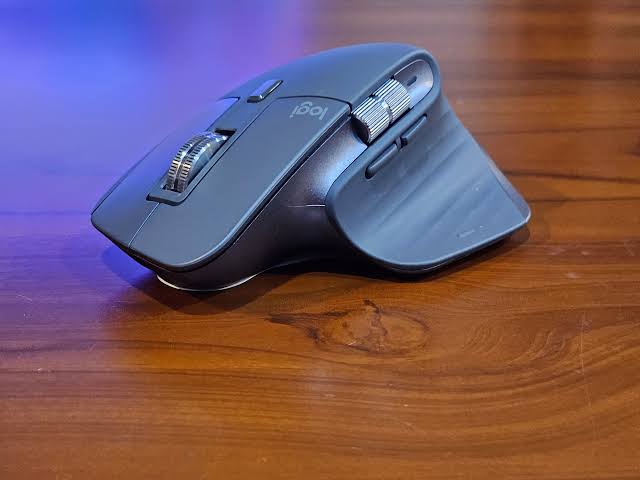
The Logitech MX Master 3S (The Ergonomic Powerhouse)
This mouse is sculpted specifically for right-handed users who spend 8+ hours a day at a desk. It fills the entire palm and forces your hand into a natural, ergonomic resting position to prevent wrist fatigue.
The Advantage: Unbeatable comfort for medium to large hands. It features a dedicated thumb rest and a built-in side wheel for instant horizontal scrolling.
The Drawback: It is bulky and heavy, making it a hassle to throw into a small laptop bag. Left-handed users will also struggle with its highly contoured, right-hand specific shape.
The Logitech MX Anywhere 3S (The Portable Mini-Mouse)
As the name implies, this mouse is designed for the hybrid worker. It features a symmetrical, low-profile design that is incredibly compact.
The Advantage: It takes up virtually no space in your bag and is perfect for working at coffee shops, on airplanes, or seamlessly switching between different devices on the go.
The Drawback: Because of its small size, it lacks the dedicated side-scroll wheel. To scroll horizontally, you have to hold down one of the side buttons while scrolling the main wheel.
Battery Life & Connectivity
You will never have to worry about buying AA batteries again. Both mice charge via USB-C.
The MX Anywhere 3S delivers an impressive 70 days of battery life on a single full charge.
Both mice connect seamlessly via Bluetooth or the new Logitech Bolt proprietary dongle.
Final Verdict: Which Should You Buy?
Choosing the winner of the Logitech MX Master 3S vs MX Anywhere 3S debate comes entirely down to where you work.
Buy the MX Master 3S if: You work exclusively at a dedicated desk, have medium-to-large hands, and want the absolute best ergonomic support money can buy.
Buy the MX Anywhere 3S if: You are a hybrid worker who frequently travels, you have smaller hands, or you simply prefer a lightweight, nimble mouse that you can toss in your backpack without a second thought.
Testing the Logitech MX Master 3S vs MX Anywhere 3S
This visual comparison will help you see the exact size difference between the two mice in a real-world desk setup.